
Commercial field service software
Bill what the field captured—on one work order
Commercial field service software: schedule assignments, log time and materials on site, and close out in the office from the same job record—without retyping spreadsheets.
No second rebuild at closeout
Time, materials, and photos stay on the work order—the office invoices from that row.
Dispatch and field share one board
Assignments and submissions update the same calendar—fewer status calls mid-route.
Pilot before you standardize
Run one crew on live jobs on Free, then roll out when closeout is consistently cleaner.
- No credit card to start
- Cancel anytime
Most teams name a workspace and assign the first job in one sitting.
Company-scoped workspaces · Audit trail on changes · Stripe checkout on Pro and Elite
Residential job site—dictate updates on mobile, finish closeout in the office.
Commercial field teams use Vocser to close jobs without retyping the visit
$0
Free plan subscription fee
Caps apply; paid tiers bill through Stripe
1
Work order for field and office
Dispatch, capture, and closeout on the same row
3 steps
Workspace to first capture
Create workspace, invite the team, record on site
Overview
When field and office use different records, billing slows
When capture lives in messages and billing lives elsewhere, someone rebuilds the job every week.
Work splits across tools
Notes land in messages while scheduling and billing keep separate records—double entry follows.
Billing drifts from the field
Labor and materials typed up days later erode margin and give customers room to push back.
Closeout waits on follow-up
Hours and materials get logged after the visit—finance chases crews instead of invoicing.
What you get
Run jobs from one place
Customers, sites, work orders, board, and calendar live together—no parallel schedule in a spreadsheet.
Document on the work order
Time, materials, photos, and checklists sit on the row the office sees when it is time to close.
When to upgrade
Move up when caps bite, or when quotes, invoicing, exports, or inventory need more room—limits on pricing.
Tier limits and upgrade paths are on Pricing when quotes, voice depth, or invoicing need more room.
Inside the app
Site capture to customer-ready packets
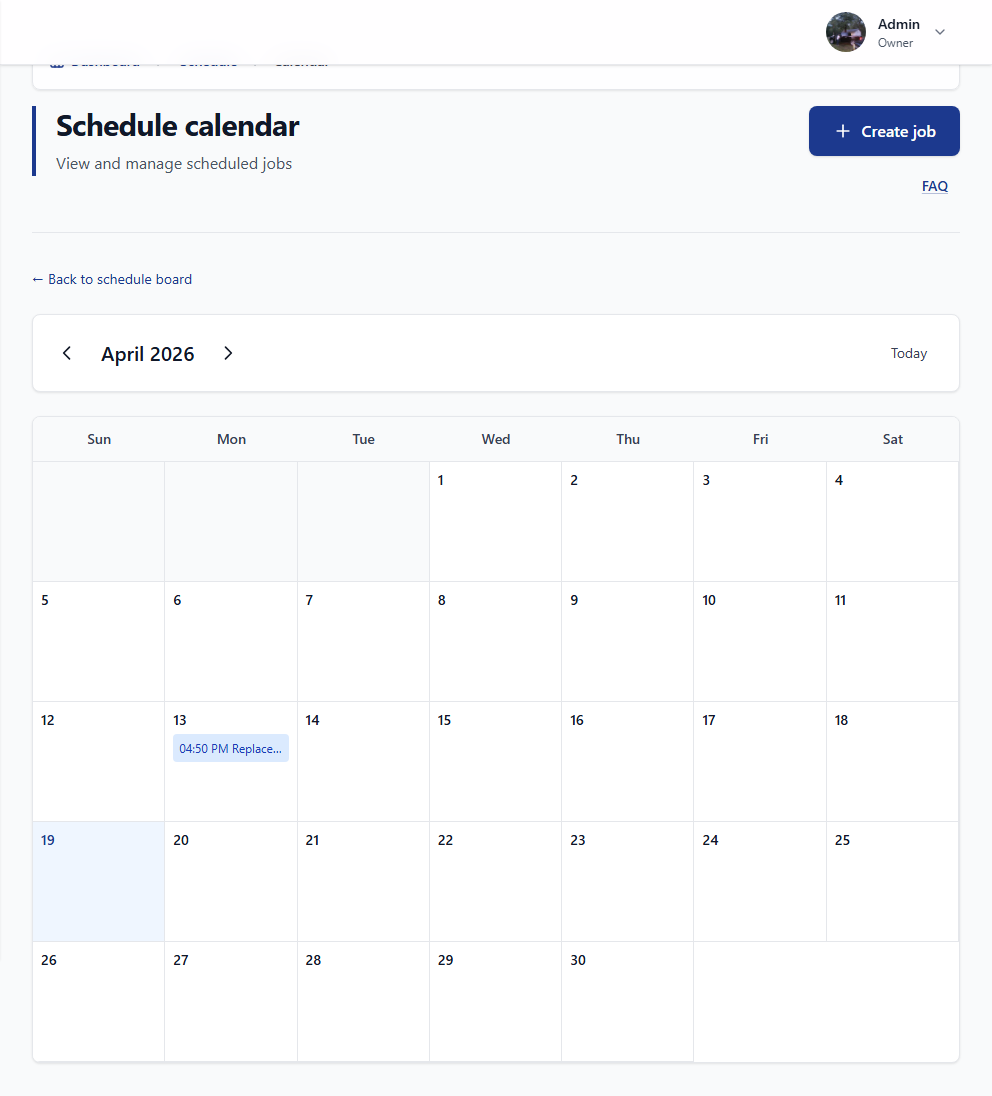
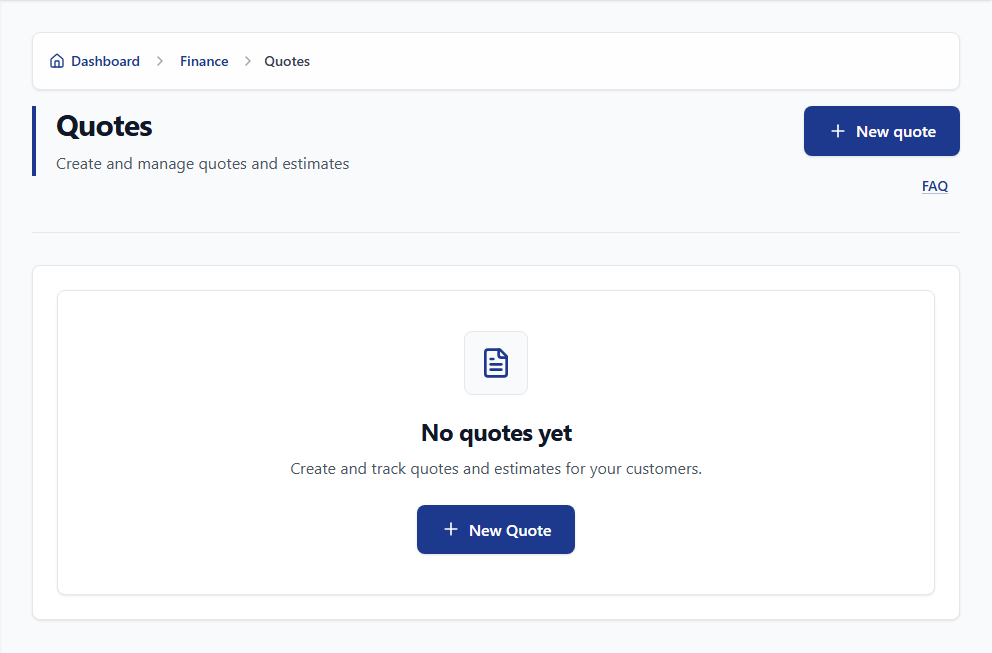
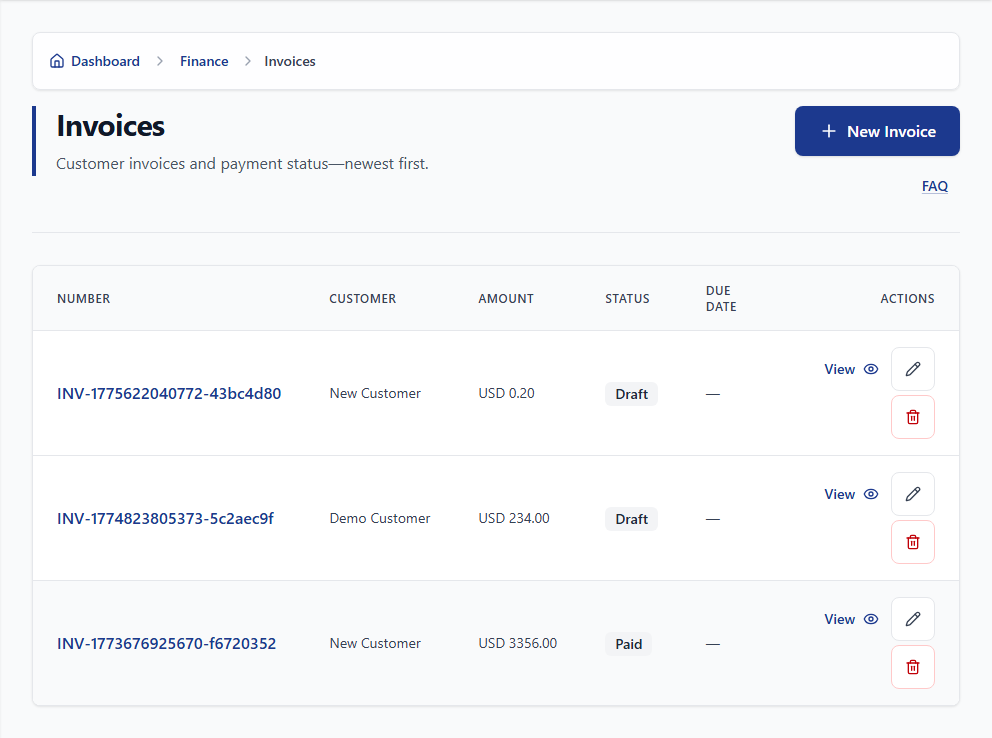
Product screenshots from staging data—what your team sees after signup.
One workspace
Every role, one job record
Dispatch publishes the assignment once; field and finance work from that row—not a retyped export.
Scheduling
Board moves and statuses stay in one place—the calendar matches what dispatch published.
Field teams
Photos, time, and optional voice attach on site; the office sees submissions on the open work order.
Back office
Quotes and invoices pull line items from field capture—no month-end rebuild.
Owners and admins
Seats, roles, audit logs, and exports in one admin surface—without parallel spreadsheets.

Security & privacy
Your workspace, your data
Company isolation and role-based access—details in the cards below and in FAQ.
Roles
Each role sees and edits what it should—jobs, customers, billing, and admin stay separated.
Audit log
Trace who changed sensitive records and when—for audits, disputes, and routine questions.

Android
Vocser on Google Play
Jobs, capture, timesheets, and materials requests sync with the web app.

Compare
Many tools—or one work order
Same visit on site: one work order with one story—or a different version in every tool until someone rebuilds it.
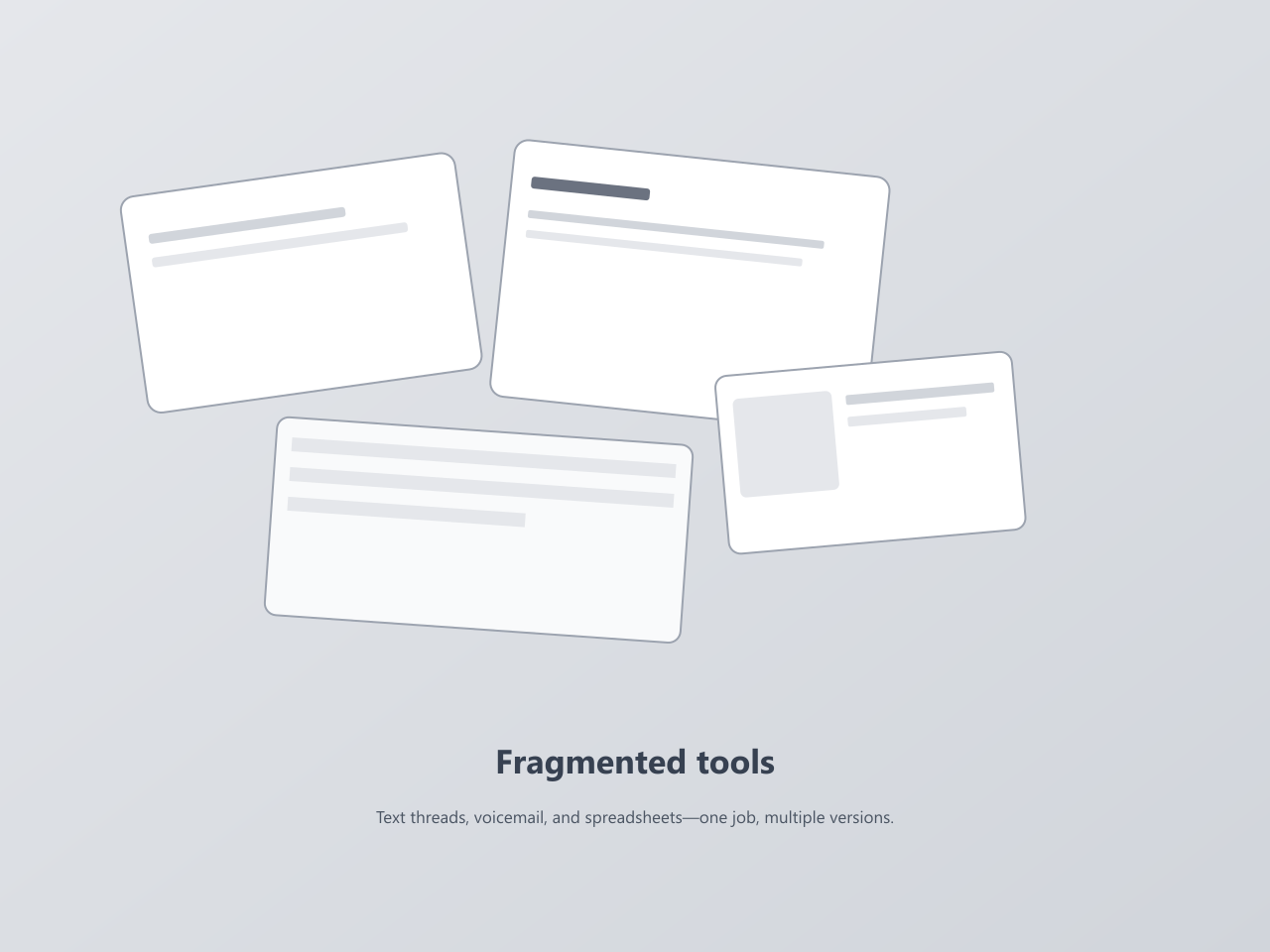
Scattered tools
The invoice rarely matches what happened on site
- Updates sit in texts and voicemail while the office re-enters scheduling or billing.
- Scheduling, finance, and the field each keep their own version of the job.
- Materials and labor reconcile late—or not at all.
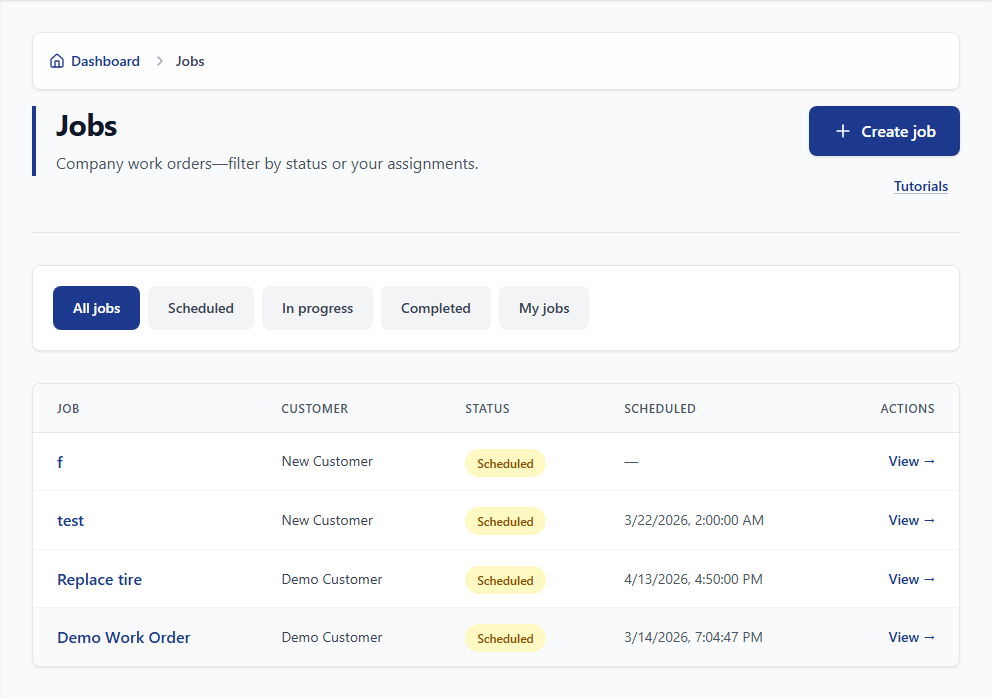
With Vocser
Field and billing share one work order
- Dispatch, field, and finance update the same row.
- Materials requests stay on the job—not side channels.
- Month-end starts with line items already on the work order.
Decision point
Run the next visit on one work order
Open a Free workspace, assign one job, and capture on site. Expand when closeout matches what the field submitted.
How it works
Three steps to begin
Workspace setup, team access, then capture on the job your office uses to bill. Screens below are from the product.
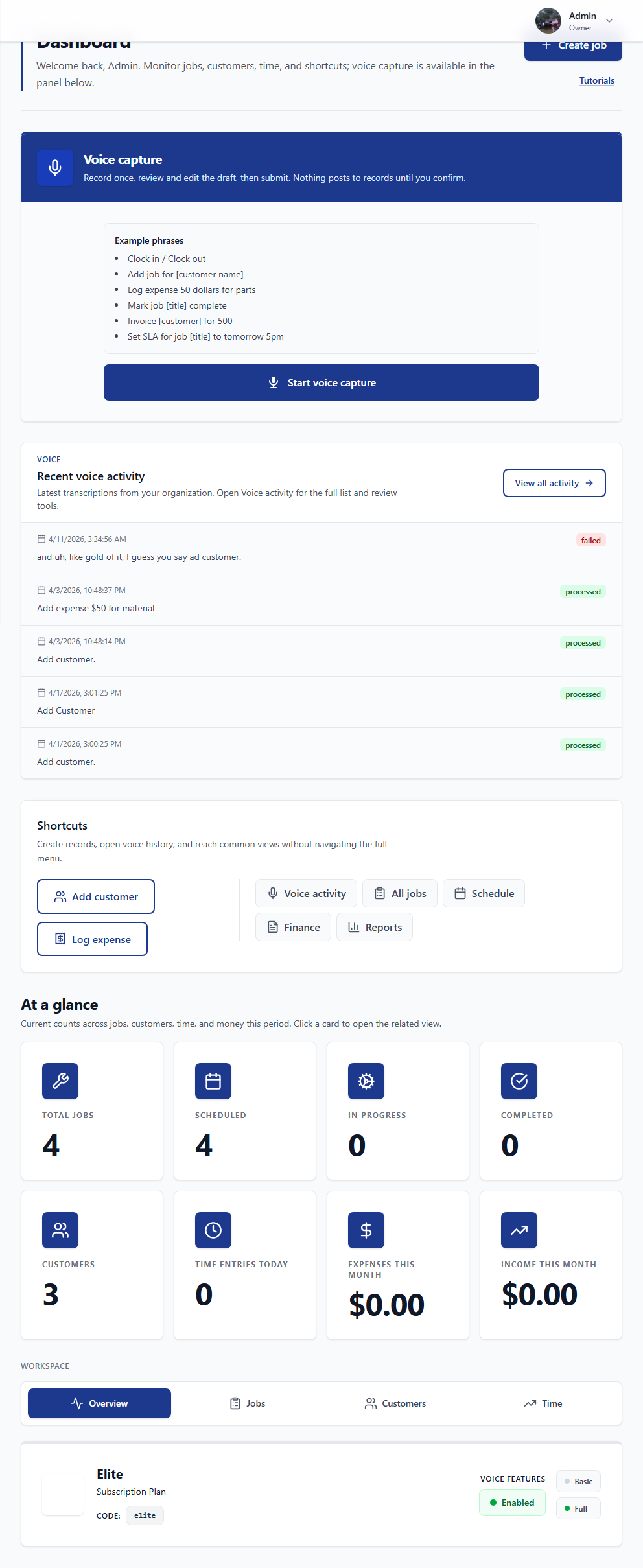
Create your workspace
Add your company name and owner account. Sample jobs are optional if you want a guided tour.
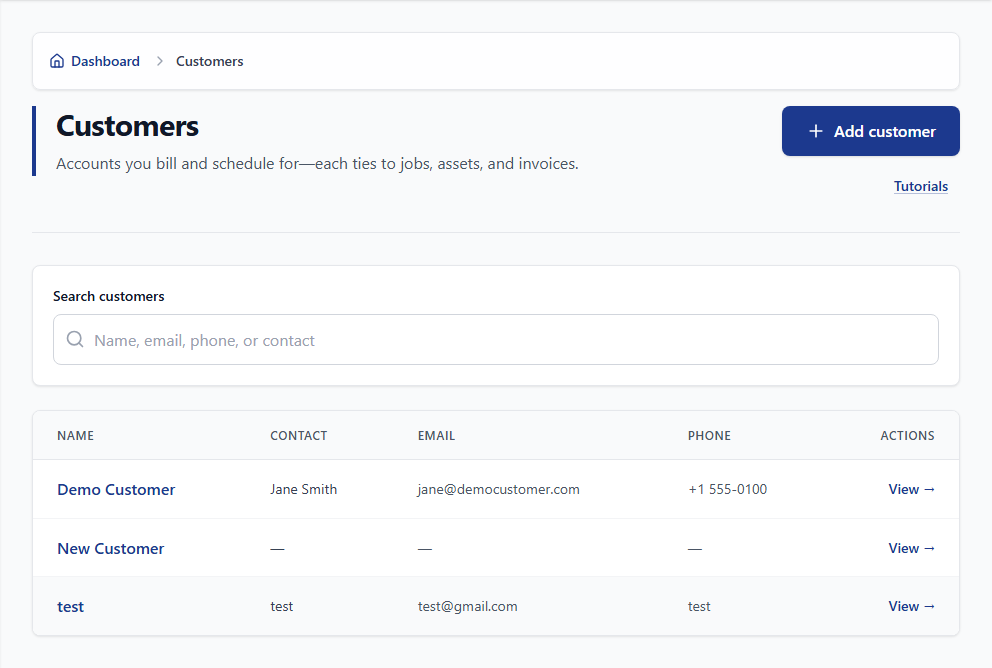
Invite your team
Office and field share customers and assignments from one list.
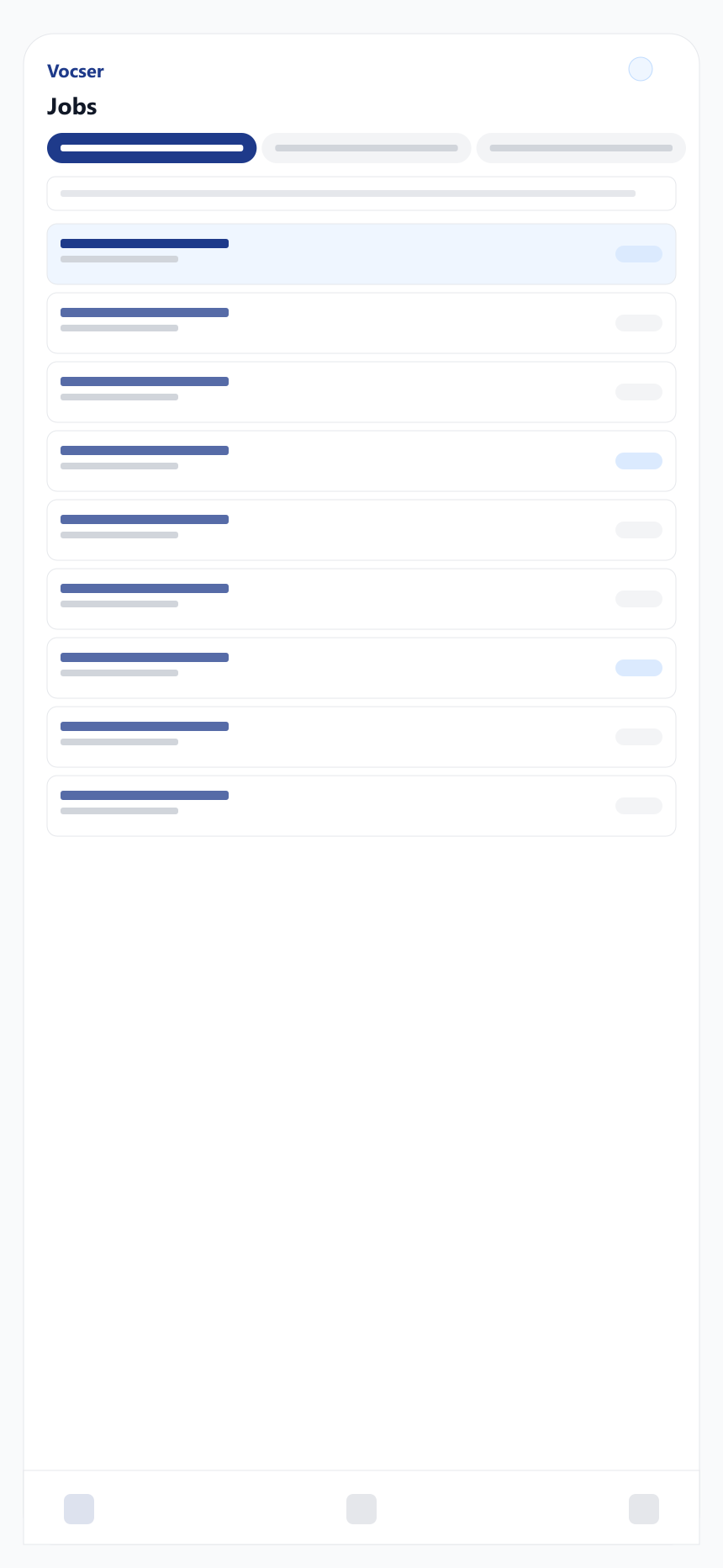
Record, review, submit
Record on site with voice for time, materials, and other job updates. Review the transcript before posting when your plan allows. Dashboards update as the field submits. Voice limits on pricing.
When daily capture is steady, add invoicing and more voice on Pro or Elite.
Materials and inventory
Same items from stock to invoice
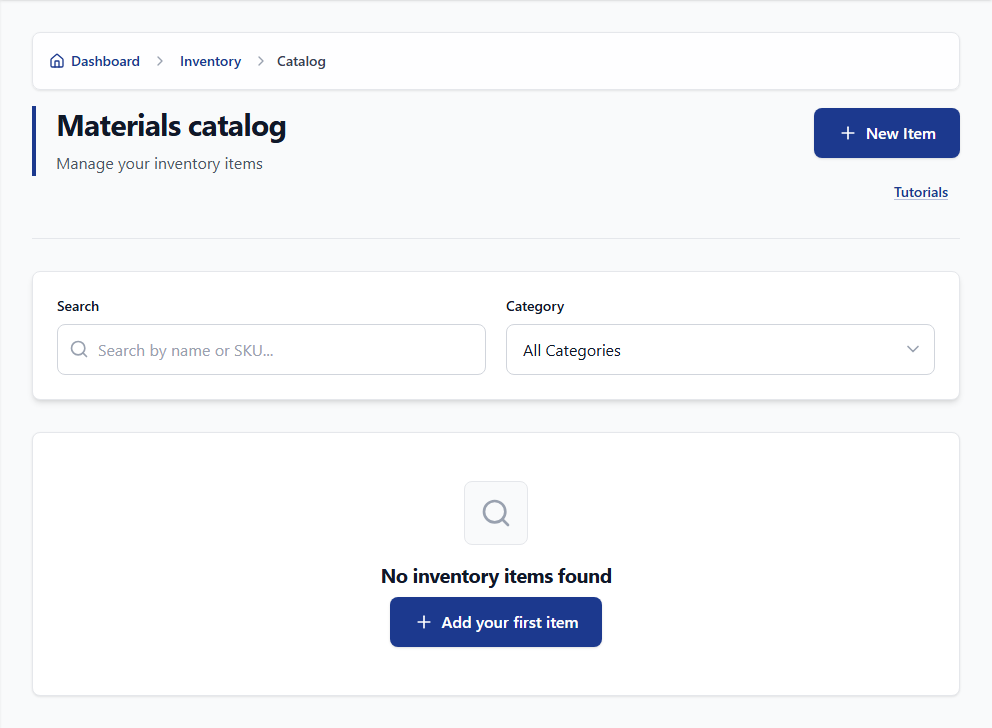
Catalog, requests, and invoicing share one materials list—fewer surprises at month-end.
- Requests post to the work order—not a separate chat thread.
- Low-stock visibility sits next to open jobs and billing.
Features
What the workspace covers
Capability map for teams that outgrow spreadsheets—details in each card.
Voice capture
Record on site and submit—classified updates attach to the work order. See pricing for limits.
Scheduling
Jobs and due dates on one board and calendar—fewer status check-ins from the field.
Jobs and work orders
Materials, checklists, and customer context stay on the work order your team already uses.
Reports
Job and team KPIs in one place. Export when your plan includes it.
Security and audit
Company-isolated data and role-aware screens—activity history when you need to trace a change.
Scaling
Higher tiers add seats, jobs, and voice capacity—compare limits on pricing.
Support
Frequently asked questions
Billing, security, devices, and rollout—answered before you open a workspace.
Scheduling, time, materials, photos, and optional voice on one work order—quotes, invoicing, and inventory on paid tiers. You can review voice transcripts before they post to the job. Limits and voice actions depend on Free, Pro, or Elite.
Separate tools split the record and force re-entry. Vocser keeps capture and closeout on one work order. Many teams begin with time, materials, and photos, then add quotes and invoicing when billing should stay on that row.
Pay when caps limit you, when quotes and invoices should share the job record, or when you need exports, more seats, priority voice, or Elite inventory and integrations. Change tier anytime; see limits on pricing.
Company name, your name, email, and password. Classified voice on Free includes a monthly cap; Pro and Elite raise voice actions and other limits—compare tiers on pricing.
It depends how much you re-enter from texts and voicemail today. Teams that capture on the work order during the visit typically spend less time rebuilding jobs in the office. Results vary by adoption and job mix.
Yes. Owners and admins change tier or stop paid billing in Company Settings. No long-term contract.
Each company is isolated. Roles limit access. Owners and admins can search the audit log for who changed records and when.
Yes. Use a supported browser on phones and tablets for time, notes, photos, and assigned jobs when your policy allows. The Android app on Google Play syncs with the same workspace.
After sign-in, open Help for guides, FAQ, and tickets. For support, include the screen and steps to reproduce.
On plans with export, owners and admins can download your organization’s data. We do not sell operational data.
Pick one workflow first—clock-in, a short voice note, or a materials request—on the work order. Pilot with one crew, then widen when the office sees fewer gaps.
Next step
Run your next commercial job on one work order
Create a Free workspace, invite a pilot crew, and capture the visit your office uses to invoice—then widen when caps or billing depth require it.
- No credit card to start
- Cancel anytime
Prefer to read first? Open Help for guides and rollout tips.