


Complete management for service crews
Stop losing money. Get paid faster.
One system for customers, quotes, schedule, jobs, invoices, and money glance — so hours and items do not slip, and invoices do not wait. Talk when typing is too slow; review before anything posts.
No credit card. No contract. Start with one real job.
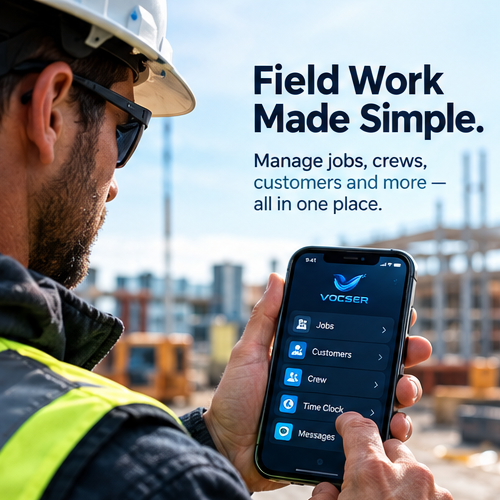
One system on site — jobs, time, and customers without switching tools.
What changes
Run the shop in one place
Win the work, keep the job complete, stop money walking out the door, and see what to do next.
Win the job
Customers, quotes, and the planner live together — accepted work lands on the calendar, not in a text thread.
Stop losing money on the job
Time, items, photos, and checklists stay on the job. Talk drafts when typing is slow — you review before anything posts. Margin risk shows before the invoice.
Get paid faster
Invoice-ready jobs, drafts from the field record, and collections follow-up — less rework and less waiting on cash.
Know what to do next
Morning money glance and jobs at risk surface the next action — not another pile of notes.
What’s included
A complete management system
Everything below is in the product. Talk is one capability among them — limits vary by tier.
Customers
Customer context stays with every quote and job — not a separate address book.
Quotes
Send quotes and book accepted work onto the calendar without a second system.
Schedule
Planner, calendar, map, and routes — fewer status check-ins from the field.
Jobs & proof
Time, items, photos, checklists, and notes on the same job you bill from.
Talk
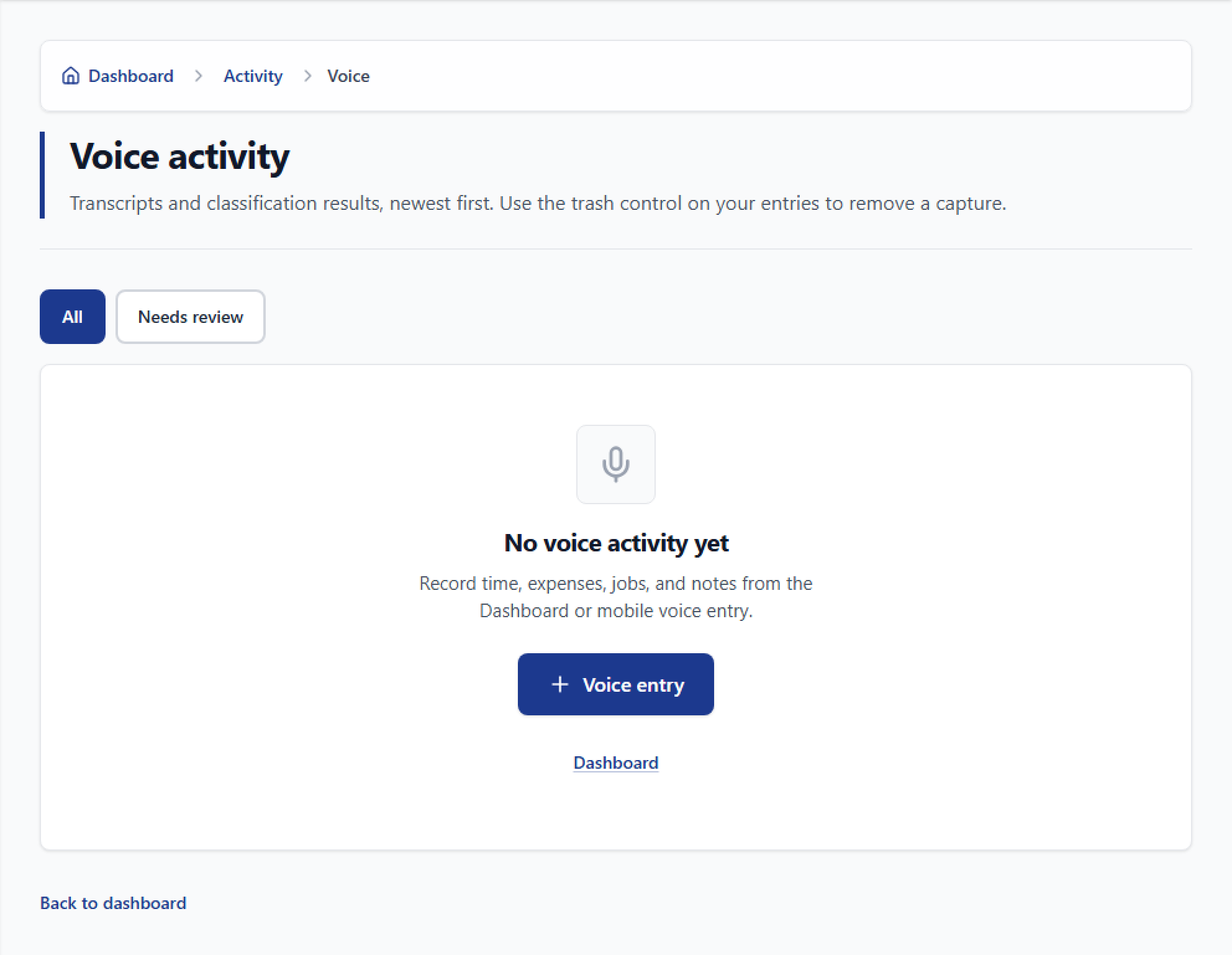
Voice drafts when typing is too slow. You review before anything posts. Limits on pricing.
Inventory
Items and on-hand visibility next to open jobs — bill with the numbers you used.
Invoices & collections
Draft from the job record; follow overdue balances without reconstructing the visit.
Cash glance
Safe to Spend, jobs at risk, and morning attention — know what to do next.
Reports
Job costing and worker metrics in one place. Export when you need a CSV.
Roles & history
One workspace for the shop. Role rules and change history on sensitive edits.
See the Money tool
Price the job before you start.
Same Money block as Create job — filled with example numbers below. Sign up to use it on a real job.
Money
PreviewPreview only. Create a free workspace to enter your own amounts and draft a quote.
Every day
Sound familiar?
- “Was that item billed?”
- “How many hours were you there?”
- “Did the customer approve that extra work?”
- “Where did the margin go on that job?”
- “When are we sending the invoice?”
- “Who is chasing that overdue balance?”
Missed billables and late invoices are not a “paperwork problem” — they are money leaving the shop.
Before → After
Many tools. Or one system from job to paid.
Same company — notes and money in many places, or one place from quote to paid.
Before
Work and money live in different places
- Text messages
- Separate calendar
- Spreadsheets
- Voice notes nobody bills
- Photos in camera roll
- Late invoices
- Missed change work
- Slow collections
After
One management system for the shop
- 1Quote and book on the calendar
- 2Keep the job current on site
- 3See margin risk early
- 4Invoice from the same record
- 5Follow up until you are paid
Estimates and outcomes vary. Vocser does not guarantee financial results.
How it works
Quote → job → proof → invoice → paid
Office
Step 1. Win
Customers and quotes live with the planner — accepted work lands on the schedule.
Field
Step 2. Execute
Workers keep time, items, photos, and notes on the job. Talk when typing is too slow.
You
Step 3. Review
Drafts and billable changes wait for approval — nothing silent to billing.
Billing
Step 4. Invoice
Line items start from the job record — not a reconstruction pass.
Owner
Step 5. Collect
Cash glance, jobs at risk, and collections show what to do next.
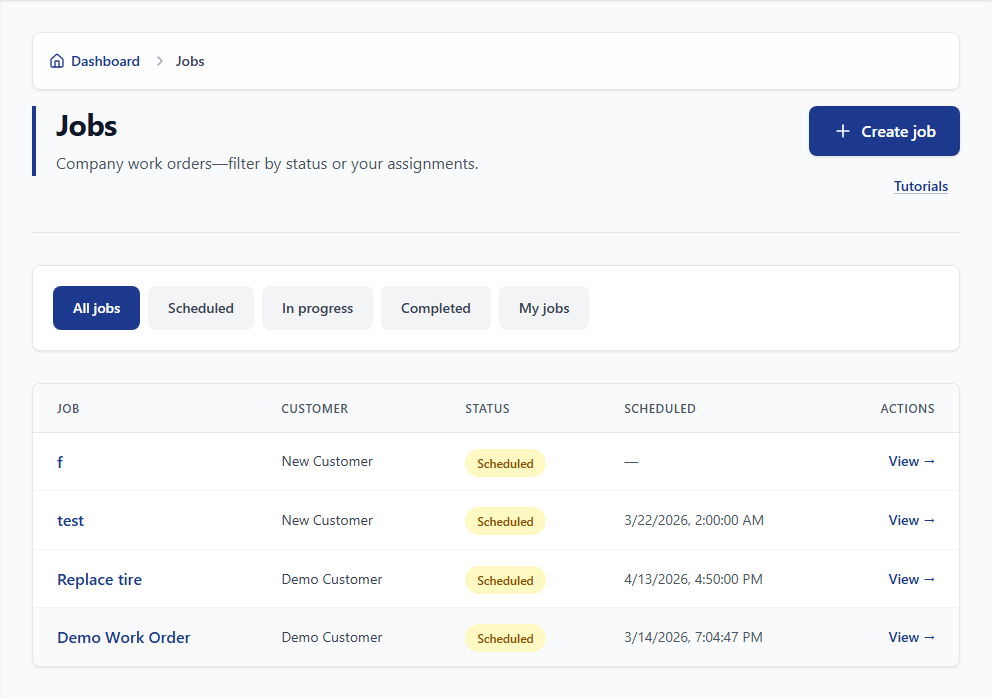
Real Vocser screens
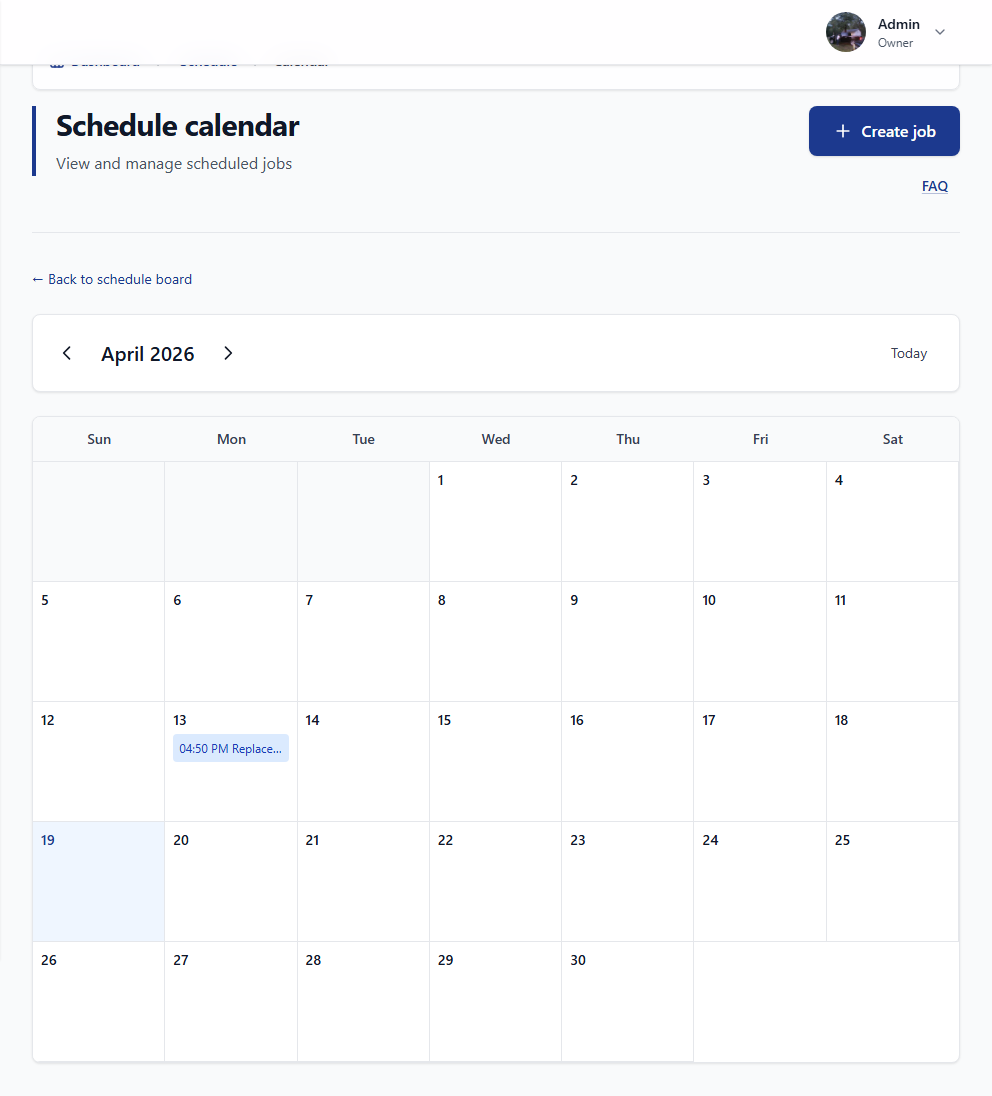
Scheduling 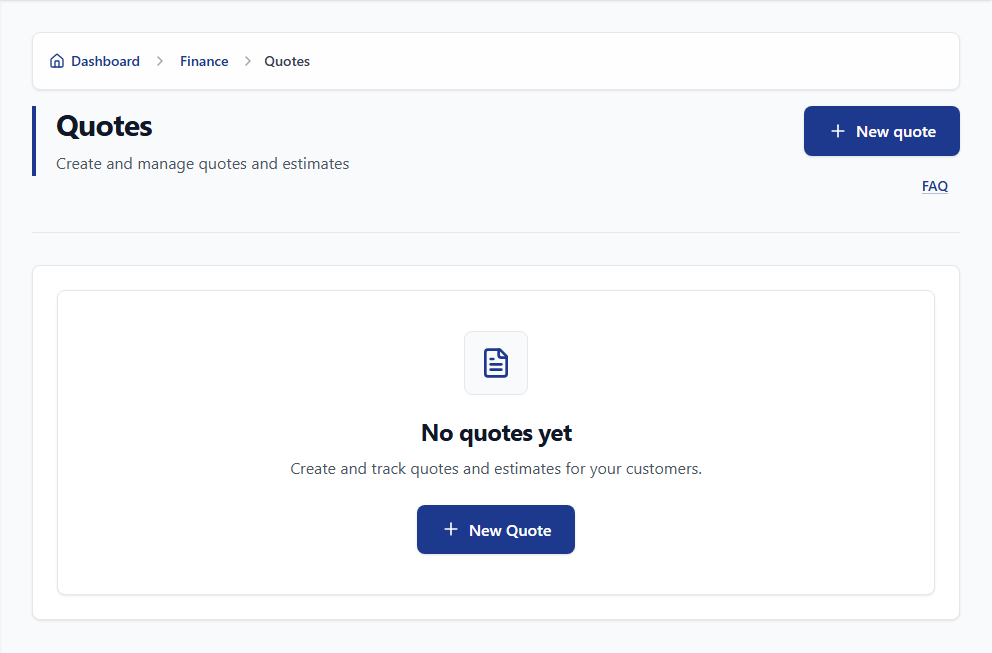
Quotes 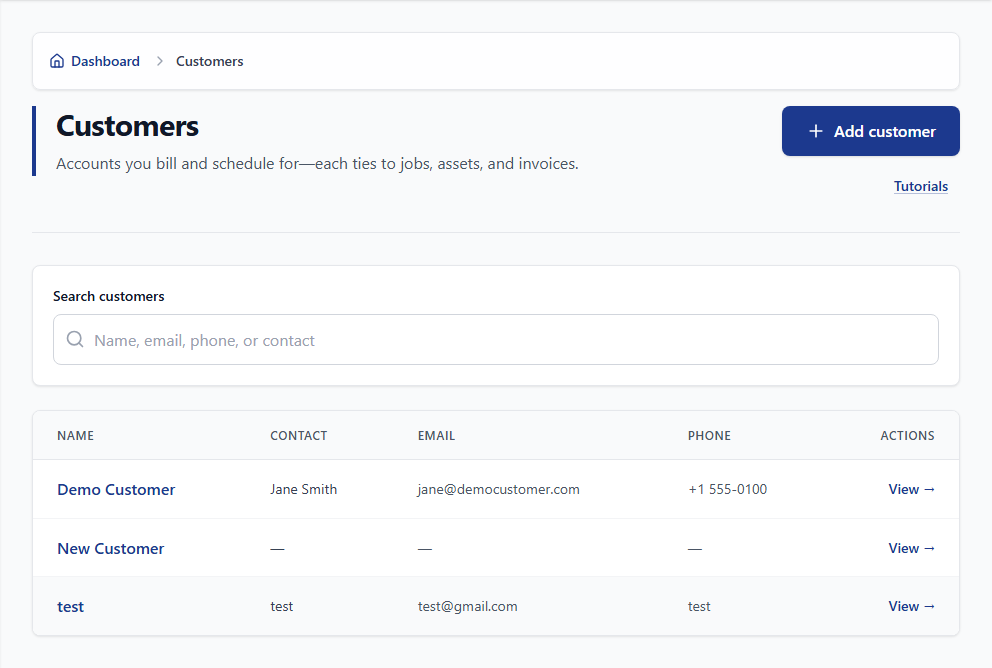
Customers
On the job
Proof stays on the visit
Photos, time, and items land on the same job record — so the invoice is not rebuilt from memory later.
Document the visit in a few taps while the work is still in front of you.

Who it helps
Owner. Field. Billing.
One product for everyone who does the work — different jobs, same system.
Owner
See margin risk and what to collect without calling everyone.
Field
Keep the job current — Talk when typing is too slow.
Billing
Invoice from the job record instead of reconstructing from texts.
Talk — one capability
Keep hours and items from slipping before the invoice.
Demo mode
This is a labeled demonstration. Nothing is saved to a real job until you create a workspace.
Start recording
Browser voice is unavailable here — use the labeled demo or type instead.
Example you can run:
“We were at the Johnson job for 6 hours. Used 14 sheets of drywall and two boxes of screws. Customer wants us to add a closet.”
See the product
From the job to paid, faster
Screens from the Vocser product — the same workspace after signup.
Step 1
Keep the job current on site.
Open a job; add proof, time, and items — or Talk a draft.
Voice recording Step 2
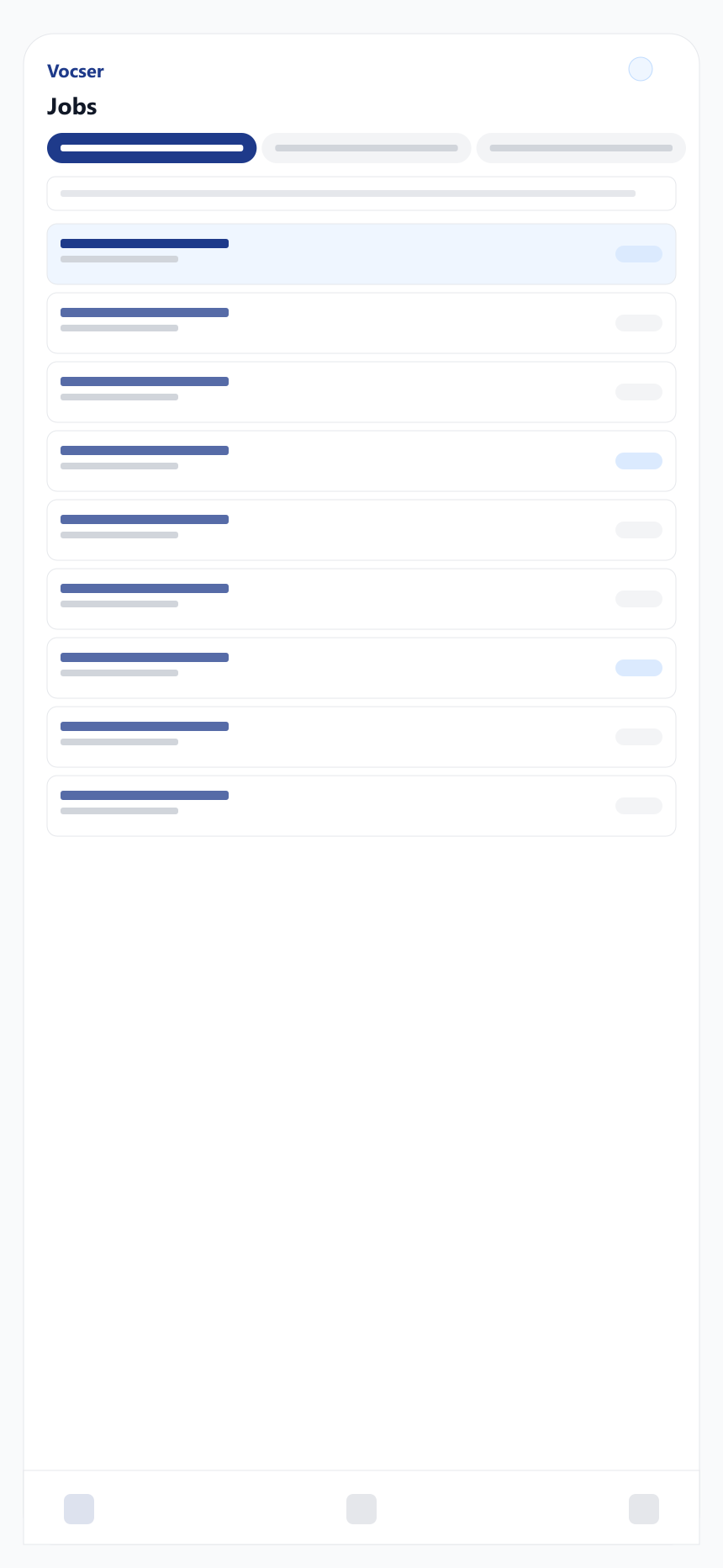
Everything stays on one job record.
Schedule, field proof, and billing share the same job.
Mobile jobs Step 3
Review before anything posts.
Approve, edit, or reject drafts — you stay in control.

Today Step 4
Invoice and follow the money.
Draft from the job; collections and money glance show what’s next.
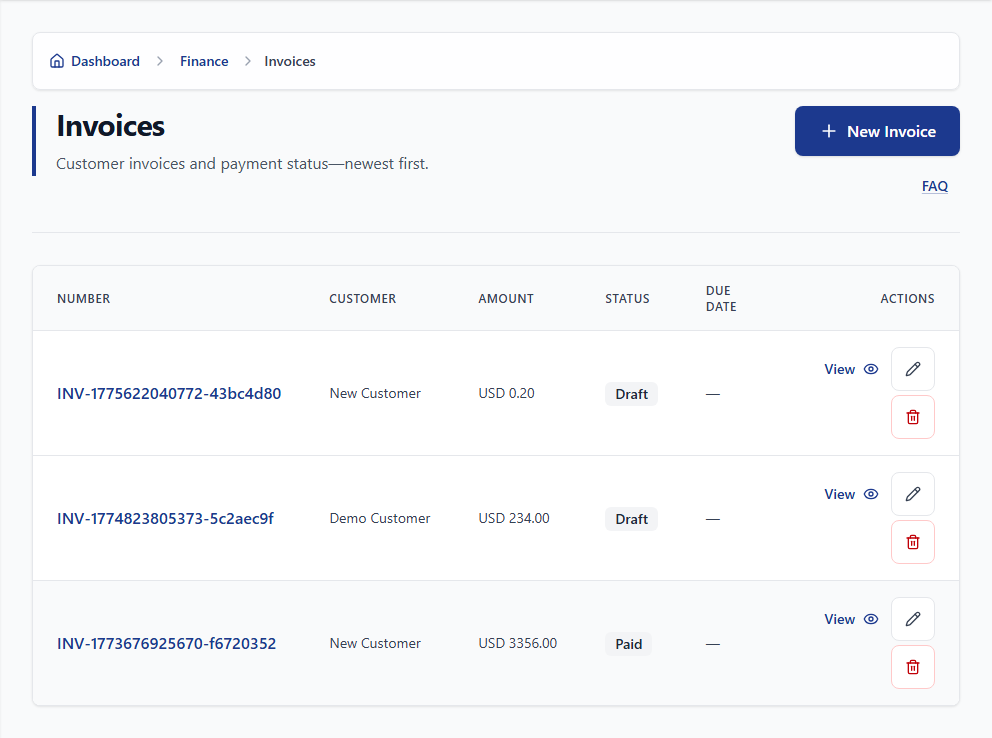
Invoicing
Free to start
Try it free — sign up today.
Prove it on one real job.
- 1Pick one job.
- 2Run it in Vocser end to end.
- 3See proof ready for invoice.
- 4Decide if the system fits.
Optional
How much does chasing job details cost you?
Rough estimate only — not a promise that Vocser removes this cost.
Estimate only
- Estimated monthly administrative time
- 50 hrs
- Estimated monthly administrative cost
- $1,750
- Estimated annual administrative time
- 600 hrs
- Estimated annual administrative cost
- $21,000
These figures are rough estimates based on your inputs. Vocser does not promise savings or that this cost will disappear.
See Vocser on one real job →Trust
You decide what becomes a record.
Vocser turns what it heard into a draft. You approve, edit, or reject — the job only updates when you choose.
Vocser heard
“Used 14 sheets of drywall.”
Proposed
14 × drywall sheets
Accuracy varies with audio quality and wording. Edit anything that looks wrong before you save.
FAQ
FAQ
Billing, security, devices, and getting started—answered before you create a workspace.
A complete management system for service crews — customers, quotes, schedule, jobs, invoices, money glance, and optional Talk — so you stop losing money on incomplete jobs and get paid faster. Same surfaces on every plan; monthly limits differ by tier. You review Talk drafts before they post to the job. Monthly limits depend on Free, Pro, or Elite.
Because someone is re-entering that text into the spreadsheet every week — and billable work gets missed. Vocser keeps scheduling, field records, and billing on the same job — so invoices come from what was recorded on site, not from a text thread three days later.
Free proves every feature with small monthly limits. Pro raises those limits for working colleagues. Elite removes monthly limits on Talk, uploads, finance creates, licenses, and jobs. Move up when your limits no longer fit.
A company name and an email. Example jobs are optional if you want a guided tour first.
Hours, items, and change work stay on the job instead of in texts and camera rolls. Jobs at risk and invoice-ready cues show margin and billing gaps before cash walks away. Vocser does not guarantee dollar savings.
Yes. Plans bill per workspace through Stripe. Upgrade, downgrade, or cancel from your workspace settings.
Each workspace is company-scoped. Role rules control who sees and edits what. Change history traces who changed sensitive records and when.
Yes. Run jobs on site from the Android app. Manage scheduling, billing, and workspace settings from any browser.
Open Help from inside the app or contact support from the website.
Yes—exports are included on every plan. Download from Reports when you need a CSV for the office.
Start with one worker on Free. Run a real job end to end. Review drafts together. When the day-end record is clean and complete, add more workers and move to Pro or Elite.
Next step
Create a Free workspace.
Run one job through the system — from the field record to invoice-ready. Review before anything posts.

Prefer to read first? Open the FAQ for common questions.
Built for the work
Built around real contractor workflows.
We do not invent customer quotes. When verified testimonials exist, they appear here. Until then, judge Vocser from the product demonstration above.